

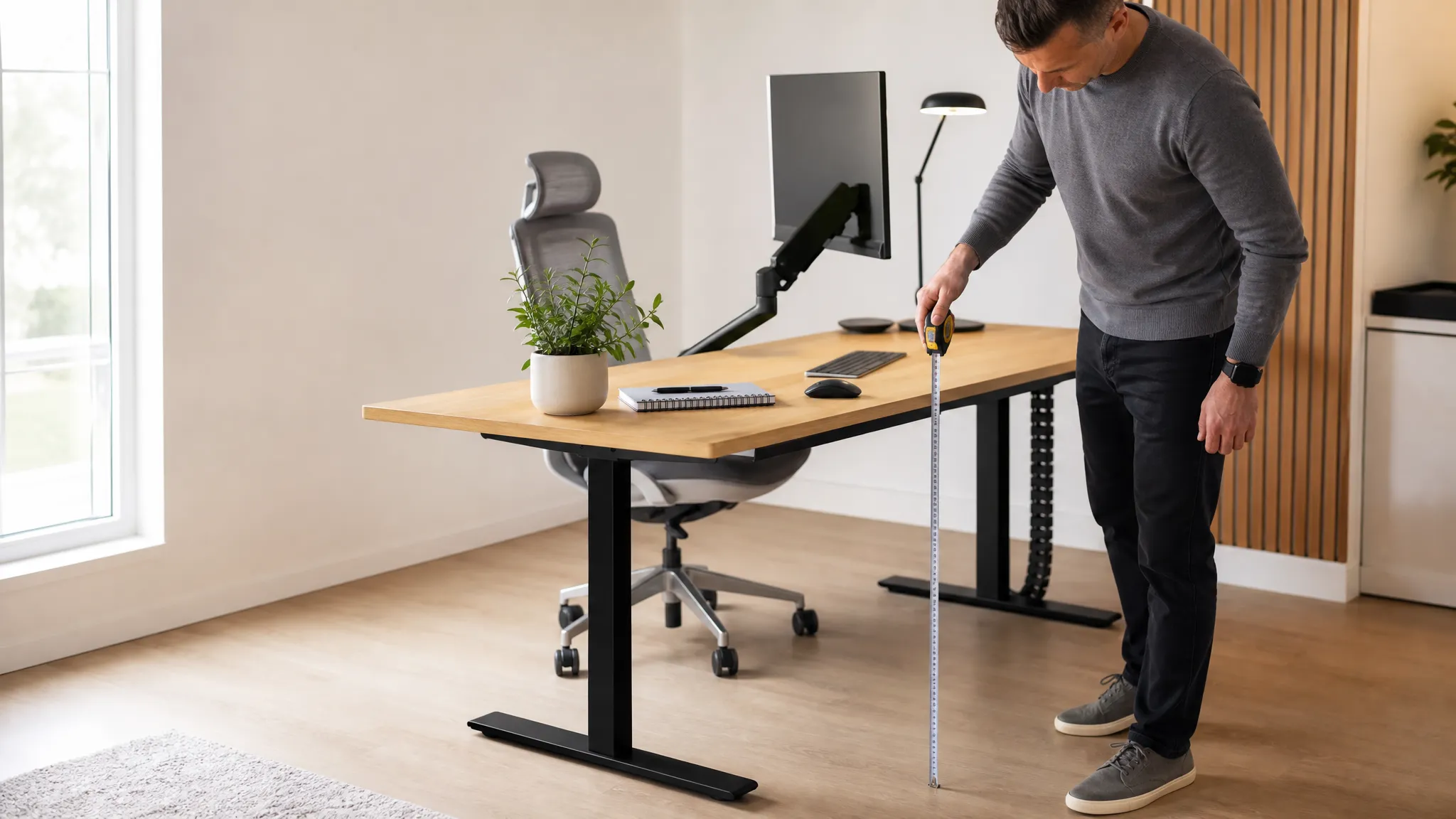
Ideal Desk Height: Find the Correct Desk Height for Your Body (by Height Chart)
This guide covers the work surface itself — how high your desk (and therefore your keyboard) should sit for your body. For positioning your keyboard, mouse, and monitor on that surface, see our keyboard and mouse height guide.
The ideal seated desk height runs from about 24 inches (61 cm) for a 5’0″ person to 31 inches (78 cm) for someone 6’4″ — for an average 5’10” (178 cm) adult it’s around 28 inches (72 cm). The “correct” height is simply the one that lets you type with your elbows at about 90°, shoulders relaxed, and feet flat on the floor. Quick formulas: seated desk height ≈ your height × 0.404; standing desk height ≈ your height × 0.63. For your exact numbers, use our calculator below.
Get your exact numbers in 30 seconds
Enter your height and get your ideal desk height for sitting and standing, plus chair height and monitor height, instantly.
Open the Desk Height Calculator →Ideal desk height chart by body height
Prefer a quick reference? Find your height in the table below. “Seated” is the top of your desk (or keyboard tray) when sitting; “Standing” is the surface height when using a standing desk or converter. These figures use the same formulas as our calculator, so the numbers match wherever you check.
| Your height | Seated desk height | Standing desk height | Chair seat height |
|---|---|---|---|
| 5’0″ (152 cm) | 24 in / 61 cm | 38 in / 96 cm | 15 in / 38 cm |
| 5’3″ (160 cm) | 25 in / 65 cm | 40 in / 101 cm | 16 in / 40 cm |
| 5’6″ (168 cm) | 27 in / 68 cm | 42 in / 106 cm | 17 in / 42 cm |
| 5’8″ (173 cm) | 27–28 in / 70 cm | 43 in / 109 cm | 17 in / 43 cm |
| 5’10” (178 cm) | 28 in / 72 cm | 44 in / 112 cm | 17–18 in / 45 cm |
| 6’0″ (183 cm) | 29 in / 74 cm | 45 in / 115 cm | 18 in / 46 cm |
| 6’2″ (188 cm) | 30 in / 76 cm | 47 in / 118 cm | 18–19 in / 47 cm |
| 6’4″ (193 cm) | 31 in / 78 cm | 48 in / 122 cm | 19 in / 48 cm |
The near-universal “standard” desk is fixed at 29–30 inches — which actually suits only people around 6 feet tall. Most people are working at a desk that’s too high, which is the single most common ergonomic mistake (more below).
The formulas: how the numbers are calculated
Desk-height ergonomics comes down to one anchor: your elbow height when seated (or standing) with good posture. Your work surface should meet your forearms so you can type without reaching up or hunching down — that’s the whole idea behind your ideal desk height.
Seated desk height
Sit with feet flat, hips and knees near 90–100°, and bend your elbows to 90°. The height from the floor to your relaxed forearms is your target surface height. As a fast estimate: seated desk height (cm) ≈ your height (cm) × 0.404. For a 178 cm (5’10”) person that’s ~72 cm / 28 in.
Standing desk height
Standing tall with shoulders relaxed and elbows at 90°, measure floor to forearms. Estimate: standing desk height (cm) ≈ your height (cm) × 0.63. For 178 cm that’s ~112 cm / 44 in — your ideal desk height for standing.
Method matches our Desk Height Calculator: seated surface ≈ height × 0.404, standing surface ≈ height × 0.63, chair seat ≈ height × 0.25. Allow about ±1 inch, since torso-to-leg ratio varies between people of the same height.
The correct posture (the 90-90-90 rule)
Every desk-height recommendation exists to put your body into three roughly right angles: ankles/knees, hips, and elbows. Get these, and the desk height is correct by definition — that’s your ideal desk height, regardless of what the tape measure says.
- Elbows ~90°: forearms roughly parallel to the floor, resting lightly at the keyboard.
- Shoulders relaxed: not shrugged up (desk too high) or drooping (desk too low).
- Hips ~90–100°: a slightly open hip angle is fine and often more comfortable.
- Feet flat: on the floor or a footrest — never dangling.
Keyboard and monitor positioning
Desk height sets your keyboard height; two more measurements finish the setup. (For the full walkthrough, see our keyboard and mouse height guide.)
Monitor height and distance
- Height: the top of the screen at or just below eye level, so your gaze drops slightly (10–20°) to the center. Get your exact screen height from our monitor height calculator.
- Distance: about an arm’s length away — 20–30 inches (50–76 cm). Bigger screens sit a little farther back.
- Tilt: lean the screen back 10–20° so it faces your eyes squarely.
- Laptops: a laptop can’t have the screen at eye level and the keyboard at elbow height at once. Raise the laptop on a stand and add an external keyboard and mouse.
Keyboard and mouse
- Keep the keyboard flat or tilted slightly away from you (negative tilt) so wrists stay neutral, not bent up.
- Mouse at the same height as the keyboard, close to your side.
- Wrists float or rest lightly; a palm rest helps some people but shouldn’t prop the wrists up while typing. Persistent wrist ache? Try our wrist-pain self-test.
Standing desk height (and switching between the two)
A standing desk should place the surface at your standing elbow height — use the calculator or the chart’s “standing” column — that’s your ideal desk height for standing. Two rules make it work:
- Elbows still at 90°. The most common standing-desk error is a surface set too high, forcing shoulders up.
- Monitor rises too. When you stand, the screen must go up with you to stay at eye level — a monitor arm makes this instant.
7 common desk-height mistakes
Even once you’ve found your ideal desk height, these everyday habits can quietly undo it.
- Using the desk at its factory height. Standard 29–30 in desks are too tall for anyone under ~6 ft.
- Raising the chair to fix a tall desk — then letting feet dangle. This just moves the problem to your legs and lower back. Add a footrest, or lower the surface instead.
- Measuring to the desktop, not the keyboard. If your keyboard sits on top of a thick desk, your effective height is higher than the desktop number.
- Monitor too low. Looking down all day loads the neck (“tech neck”). Raise it to eye level.
- Standing desk set too high. Shoulders creep up and wrists bend — same strain as a tall seated desk.
- Wrists resting while typing. Anchoring the wrists bends them upward; float or use a light palm rest.
- Setting it once and never adjusting. Shoes, chair, and tasks change your ideal height. Re-check by feel.
Fixed-height desk troubleshooting: what to do when you can’t change the desk
Most home-office desks are a fixed 29–30 inches and can’t be lowered. You don’t need a new desk — you need to change the height of the surfaces you actually touch to match your ideal desk height. Here’s the decision path.
| Your problem | Best fix | Why |
|---|---|---|
| Desk too high, feet reach floor when chair is low enough | Add a keyboard tray under the desk | Drops the typing surface 2–4 in to elbow height without touching the desktop |
| Desk too high, but you like the desktop where it is | Raise the chair + add a footrest | Restores elbow angle; footrest stops feet dangling |
| Monitor too low / neck ache | Monitor arm or riser | Lifts screen to eye level; arm also lets it follow you when standing |
| Want to stand sometimes | Standing desk converter | Sits on your current desk and lifts to standing height on demand |
| Desk too low (tall user) | Desk risers / leg extenders | Raises the whole desk a few inches cheaply |
| Starting from scratch / want it solved permanently | Electric adjustable-height desk | Dial in seated and standing heights exactly; saves presets |
Product solutions for every budget
These are the categories that fix a wrong-height desk, cheapest first. We rank by how well each solves the ergonomic problem, not by commission. Prices are typical ranges at the time of writing and change often — check the current price before buying.
Under-desk keyboard tray
Typically $30–70
The highest-impact cheap fix for a too-high desk. A sliding tray drops your keyboard and mouse 2–4 inches to true elbow height, so you keep your desktop and still type ergonomically. Look for one with negative tilt and enough width for a mouse.
Good for
- Fixed desks that are 1–3 in too tall
- Small budgets
- Renters (clamp-on options)
Watch out
- Needs clearance under the desk
- Some require screwing into the desk
Monitor arm or monitor riser
Riser $20–40 · Arm $30–120
Fixes the second half of the ergonomic equation: screen height. A riser is the cheapest way to lift a monitor to eye level; a spring arm does the same but adjusts instantly and follows you between sitting and standing. If you use a standing desk or converter, choose the arm.
Good for
- Neck strain / “tech neck”
- Sit-stand switching (arm)
- Freeing desk space (arm)
Watch out
- Check VESA compatibility & weight rating
- Clamp needs a desk edge
Standing desk converter (desktop riser)
Typically $120–300
Sits on top of your existing desk and lifts your keyboard and monitor to standing height when you want it, then drops back down for sitting. The no-commitment way to get sit-stand without replacing your desk. Choose one with a separate keyboard deck so the keyboard lands at elbow height when raised.
Good for
- Keeping your current desk
- Trying standing before committing
- Two-tier keyboard/monitor design
Watch out
- Takes up desktop depth
- Heavier units wobble less
- Fixed max height — check it fits tall users
Electric adjustable-height (sit-stand) desk
Typically $250–600+
The permanent solution: motorized legs let you set your exact seated and standing heights and save them as presets. If you’re buying a desk anyway, an adjustable one removes the height problem entirely — for you and anyone else who uses the space. Look for a dual-motor frame, a wide height range (check it hits your seated and standing numbers from the calculator), and memory presets.
Good for
- Solving height exactly, permanently
- Shared or multi-user desks
- Serious daily sit-stand use
Watch out
- Highest cost
- Confirm min height suits shorter users
- Heavier to assemble
Ergonomic chair + footrest
Footrest $20–45 · Chair $150–500+
Chair height is half of desk-height ergonomics — your ideal desk height is always measured relative to your seated elbow. A chair with proper seat-height adjustment lets you hit the angles; a footrest stops your feet dangling when you raise the chair to meet a tall desk. Prioritize seat-height range and lumbar support over flashy features.
See our footrest picks →Not sure where your setup stands?
Run a quick check of your whole workstation — desk, chair, monitor, and keyboard — in a few minutes.
Take the free ergonomic assessment →Frequently asked questions
Is 32 inches too high for a desk?
For most people, yes. A 32-inch surface suits users around 6’2″–6’4″. If you’re shorter, a 32-inch desk will push your shoulders up or make your feet dangle. Either lower the surface, add a keyboard tray, or raise your chair and add a footrest.
Is 28 inches too low for a desk?
Not for most people — 28 inches is close to ideal for someone around 5’8″–5’10”. It only feels low if you’re taller than about 6 feet, in which case you can raise the desk with risers or a taller frame.
How tall should a desk be for a 5’3″ person?
Your ideal desk height is about 25 inches (65 cm) seated. That keeps your elbows near 90° without raising the chair so high that your feet dangle. A standard 29–30 inch desk is 4–5 inches too tall for you, so a keyboard tray or an adjustable desk makes a big difference.
What is the 20-8-2 rule?
It’s a movement pattern for sit-stand work, popularized by Cornell ergonomics professor Alan Hedge: in each 30 minutes, spend about 20 minutes sitting, 8 minutes standing, and 2 minutes moving. It prevents both the stiffness of sitting all day and the fatigue of standing all day.
Should desk height be measured to the desktop or the keyboard?
To the keyboard and mouse — the surfaces your hands actually use. If your keyboard sits on the desktop, the desktop height is your working height. If you use a keyboard tray, set the tray to your target height instead.
What’s the ideal desk height for a standing desk?
Set it to your standing elbow height — roughly your height × 0.63. For a 5’10” person that’s about 44 inches. Keep elbows at 90° and raise your monitor to eye level when you stand.
The bottom line
There’s no universal “correct” desk height — there’s the height that puts your elbows at 90° with your feet flat and your screen at eye level. Your ideal desk height is personal, and the chart and calculator above get you there in seconds. Get your exact seated and standing numbers from the Desk Height Calculator, then fix the gap between those numbers and your current desk: a keyboard tray and monitor riser for a quick, cheap correction, a converter if you want to stand, or an adjustable desk to solve it permanently. Getting this right is one of the highest-return changes you can make to a home office you sit at every day.
Related on ErgoLivingSpace: Desk Height Calculator · Monitor Height Calculator · Keyboard & mouse height · Best monitor arms · Best monitor risers · Best under-desk footrests · Ergonomic assessment.